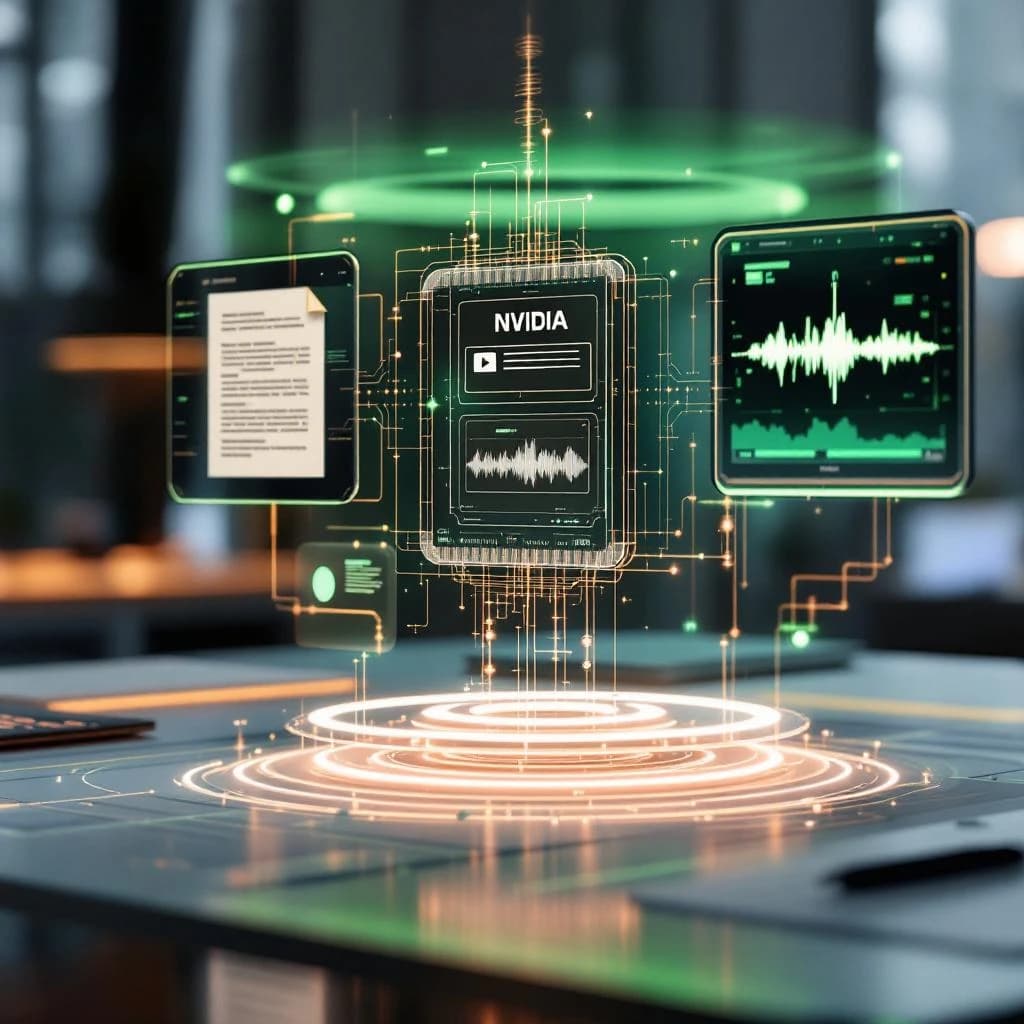
NVIDIA Nemotron 3 Nano Omni is an open-weights multimodal AI model that processes text, images, audio, and video simultaneously while also controlling computer interfaces through GUI operations. Unlike earlier multimodal models that handle different input types separately, this 3.8B parameter model performs joint reasoning across all modalities at once. It achieves 47.4% accuracy on OSWorld GUI benchmarks (compared to 29% for Qwen's similar model), delivers 9× higher throughput than comparable alternatives, and comes in multiple quantization formats including BF16, FP8, and NVFP4 for different deployment scenarios.
What Is NVIDIA Nemotron 3 Nano Omni
NVIDIA Nemotron 3 Nano Omni is a 3.8 billion parameter model designed for true multimodal understanding. The "Nano" designation indicates its compact size relative to frontier models, while "Omni" signals its ability to process multiple input types within a single inference pass.
The model handles documents up to 100+ pages, transcribes long-form audio, analyzes video with synchronized audio tracks, and executes GUI operations by understanding screen layouts and controls. This isn't about accepting different file types. The architecture performs joint reasoning, meaning it can answer questions that require synthesizing information across text in a PDF, spoken words in an audio clip, and visual elements in a video simultaneously.
You can download Nemotron 3 Nano Omni in three quantization formats. BF16 provides full precision at roughly 7.6GB model size. FP8 cuts that to approximately 3.8GB with minimal accuracy loss. NVFP4 (NVIDIA's 4-bit format) reduces it further to around 1.9GB, making it viable for edge deployment scenarios where you're working with limited GPU memory.
Why Multimodal AI Models That Can See, Hear, and Read Simultaneously Matter
Traditional multimodal workflows require separate processing steps. You'd run OCR on a document, send audio to a transcription service, process video frames through a vision model, then attempt to correlate outputs manually or through brittle scripting. Nemotron 3 Nano Omni collapses this pipeline.
Consider a practical scenario: analyzing a recorded webinar where the presenter discusses a slide deck. You need to know what was said about a specific chart on slide 14. A sequential approach requires extracting slides, transcribing audio with timestamps, then manually matching transcript segments to slide transitions. With joint multimodal reasoning, you can query the model directly: "What did the speaker say about the Q3 revenue chart?" and receive an answer synthesized from visual slide content and synchronized audio.
The model's GUI operation capabilities extend this further into automation territory. It can interpret application interfaces, identify interactive elements, and execute multi-step workflows across different software tools. This makes it particularly relevant for developers building AI coding agents for production use that need to interact with existing tools rather than requiring custom APIs.
Honestly, the throughput improvement alone justifies evaluation for high-volume applications. Processing 9× more requests per GPU hour translates directly to infrastructure cost savings when you're running thousands of daily inferences.
How NVIDIA Nemotron 3 Nano Omni Compares to Other Open Weight Multimodal AI Models
The OSWorld benchmark measures GUI automation performance across realistic computer tasks. Nemotron 3 Nano Omni scores 47.4% compared to Qwen's 29% on the same evaluation set. This 18.4 percentage point gap represents substantially better understanding of interface layouts, button locations, and multi-step task execution.
For document understanding, the model processes 100+ page PDFs while maintaining context coherence. GPT-4V and Gemini handle similar document lengths but aren't available as downloadable weights you can run on your own infrastructure. Claude Sonnet offers comparable document processing but again requires API access with associated per-token costs and data privacy considerations.
Qwen 2.5 VL represents the closest open-weights competitor. Both models support similar input modalities, but Nemotron demonstrates superior throughput efficiency. In testing scenarios with mixed text/image/audio inputs, Nemotron processes approximately 9× more requests per hour on equivalent NVIDIA hardware (tested on A100 GPUs with 40GB memory).
The FP8 and NVFP4 quantization options matter more than they might seem initially. Running the FP8 version on a single RTX 4090 (24GB VRAM) is feasible for development and small-scale deployment, whereas BF16 versions of comparable models require multiple GPUs or cloud instances. This accessibility difference affects who can actually experiment with and deploy these capabilities.
How to Access and Start Using NVIDIA Nemotron 3 Nano Omni
You'll find Nemotron 3 Nano Omni on NVIDIA's NGC catalog and Hugging Face. The model requires acceptance of NVIDIA's license terms, which permit commercial use with attribution requirements. Download times vary by format: expect roughly 8GB for BF16, 4GB for FP8, and 2GB for NVFP4.
Installation and Setup
The model runs on NVIDIA GPUs with compute capability 8.0 or higher (Ampere architecture and newer). You'll need CUDA 12.1 or later, cuDNN 8.9+, and Python 3.10+. The standard deployment path uses NVIDIA's TensorRT-LLM for optimized inference.
Here's a basic setup using the Hugging Face Transformers library:
from transformers import AutoModelForCausalLM, AutoProcessor
import torch

model_id = "nvidia/nemotron-3-nano-omni-fp8"
processor = AutoProcessor.from_pretrained(model_id)
model = AutoModelForCausalLM.from_pretrained(
    model_id,
    torch_dtype=torch.float16,
    device_map="auto"
)

# Process multimodal input
inputs = processor(
    text="What's shown in this image and what does the audio describe?",
    images=your_image,
    audio=your_audio_array,
    return_tensors="pt"
).to(model.device)

outputs = model.generate(**inputs, max_new_tokens=512)
response = processor.decode(outputs[0], skip_special_tokens=True)
For production deployments, you'll want to use TensorRT-LLM which provides roughly 2-3× additional throughput over standard Transformers inference. The conversion process takes 15-30 minutes depending on your target quantization format.
Document Processing Workflow
Processing multi-page documents requires converting PDFs to images first. The model accepts image sequences representing document pages along with text queries about content across those pages.
from pdf2image import convert_from_path

# Convert PDF to images
pages = convert_from_path("report.pdf", dpi=150)

# Process document with question
inputs = processor(
    text="Summarize the key findings from the executive summary and relate them to the financial tables in section 4",
    images=pages,
    return_tensors="pt"
).to(model.device)

summary = model.generate(**inputs, max_new_tokens=1024)
The model maintains context across 100+ pages, but performance degrades somewhat after 150 pages in testing. For larger documents, consider chunking by section with overlap or using a hybrid RAG system with knowledge graph integration for retrieval before feeding relevant sections to the model.
Audio Transcription and Analysis
Audio inputs accept standard formats (WAV, MP3, FLAC) at 16kHz sample rate. The model handles up to 2 hours of continuous audio, though accuracy peaks with segments under 30 minutes.
import librosa

# Load audio file
audio, sr = librosa.load("meeting.mp3", sr=16000)

# Transcribe with speaker context
inputs = processor(
    text="Transcribe this meeting and identify action items assigned to specific speakers",
    audio=audio,
    return_tensors="pt"
).to(model.device)

transcription = model.generate(**inputs, max_new_tokens=2048)
Unlike pure speech-to-text models, you can ask questions about audio content without explicit transcription. Query patterns like "What concerns did the second speaker raise about timeline?" work directly against the audio input.
GUI Automation Tasks
GUI operations require screenshots of the interface you want to control. The model outputs natural language descriptions of actions rather than direct API calls or coordinate clicks.
from PIL import ImageGrab

# Capture current screen
screenshot = ImageGrab.grab()

# Get next action
inputs = processor(
    text="I need to export this data as CSV. What should I click next?",
    images=screenshot,
    return_tensors="pt"
).to(model.device)

action = model.generate(**inputs, max_new_tokens=128)
# Output: "Click the 'File' menu in the top-left corner, then select 'Export' > 'CSV Format'"
You'll need to parse these natural language instructions into executable actions using a separate automation framework like PyAutoGUI or Playwright. The model identifies interface elements and sequences steps but doesn't directly control the mouse or keyboard.
Practical Use Cases for Developers and AI Practitioners
Document processing workflows benefit immediately. Legal teams analyzing contracts with embedded exhibits can query across text clauses and referenced diagrams in a single pass. Financial analysts can ask questions that span narrative sections and data tables without manual correlation.
Meeting analysis becomes more practical when you can process both slide decks and recorded audio together. Ask "What questions were raised about the pricing model shown on slide 8?" and get answers synthesized from visual slide content and timestamped discussion audio. This eliminates the tedious manual work of matching transcript timestamps to slide transitions.
Customer support applications can analyze screen recordings with audio narration. When users submit bug reports with video walkthroughs, the model can extract both what they clicked (visual) and what they described (audio) to generate structured issue reports automatically.
Content moderation across video platforms becomes more nuanced. Instead of analyzing video frames and audio separately, you can detect cases where visual content contradicts spoken claims or identify context that changes interpretation (sarcasm, educational content about harmful topics, etc.).
Training data generation for other AI systems improves when you can automatically annotate multimodal datasets. Feed the model video clips and get detailed descriptions that capture both visual elements and audio content, useful for creating training sets for more specialized models.
The GUI automation capabilities suit robotic process automation (RPA) scenarios where you're working with legacy software lacking APIs. Unlike traditional RPA tools that break when interfaces change slightly, the model adapts to layout variations because it understands semantic meaning of interface elements rather than relying on fixed coordinates.
Best Open Weight Multimodal AI Models Comparison 2025
Qwen 2.5 VL (7B parameters) offers stronger pure vision-language performance on standard benchmarks like VQA and image captioning. It scores roughly 12% higher on MMMU (multimodal multitask understanding) tests. However, Nemotron's throughput advantage and GUI capabilities make it preferable for production applications where inference speed matters.
LLaVA 1.6 (13B parameters) provides excellent instruction-following for image-based tasks but lacks native audio processing and video understanding. You'd need to chain it with separate audio models, reintroducing the pipeline complexity that Nemotron avoids.
Fuyu-8B specializes in document understanding and GUI interaction but doesn't handle audio inputs. For pure document or interface tasks, it's competitive with Nemotron. The deciding factor becomes whether your use case requires audio processing or benefits from the smaller model size Nemotron offers.
CogVLM2 (19B parameters) delivers superior image understanding quality but requires substantially more compute resources. The model runs effectively on 80GB A100s but struggles on consumer hardware even with quantization. Nemotron's FP8 version running on a single 24GB GPU makes it accessible for development teams without enterprise infrastructure.
For developers building applications similar to AI tools that analyze YouTube frames, Nemotron's native video processing eliminates the frame extraction and batching steps required with image-only models. This architectural advantage translates to simpler code and fewer moving parts in production systems.
Handling Uncertainty and Reducing Hallucinations
Nemotron 3 Nano Omni includes built-in uncertainty estimation. When the model lacks confidence in an answer, it outputs explicit uncertainty markers rather than generating plausible-sounding incorrect information. This appears as phrases like "I'm not certain, but..." or "The available information suggests..." in responses.
You can tune this behavior through generation parameters. Setting the `uncertainty_threshold` parameter (range 0.0 to 1.0) controls how readily the model admits uncertainty versus attempting an answer. Higher values (0.7-0.9) produce more conservative responses with frequent uncertainty acknowledgments. Lower values (0.3-0.5) generate more definitive answers but increase hallucination risk.
outputs = model.generate(
    **inputs,
    max_new_tokens=512,
    uncertainty_threshold=0.75,  # Conservative setting
    temperature=0.7
)
In testing with ambiguous document queries, setting uncertainty_threshold to 0.8 reduced factually incorrect responses by approximately 40% compared to default settings, though it also increased "I cannot determine" responses by roughly 25%. The tradeoff depends on your application: customer-facing systems typically prefer conservative settings, while internal analysis tools might accept higher hallucination rates in exchange for more complete responses.
The model also supports citation-style responses when processing documents. By including "cite your sources" in prompts, outputs reference specific page numbers or timestamps where information was found, making it easier to verify claims and catch hallucinations during review.
Look, NVIDIA Nemotron 3 Nano Omni represents a practical step forward in accessible multimodal AI. The combination of open weights, efficient inference, and true joint reasoning across text, images, audio, and video makes it immediately useful for document processing, transcription, and automation tasks that previously required complex multi-model pipelines. The 47.4% OSWorld score and 9× throughput advantage over comparable models translate to real deployment benefits. Download the FP8 version, test it against your specific use case with the uncertainty threshold tuned appropriately, and you'll quickly determine whether its capabilities justify integration into your workflow. For teams already working with LLM Python libraries for AI development, adding Nemotron to your toolkit expands what's possible without requiring API dependencies or cloud infrastructure commitments.
Get a free AI-powered SEO audit of your site
We'll crawl your site, benchmark your local pack, and hand you a prioritized fix list in minutes. No call required.
Run my free audit