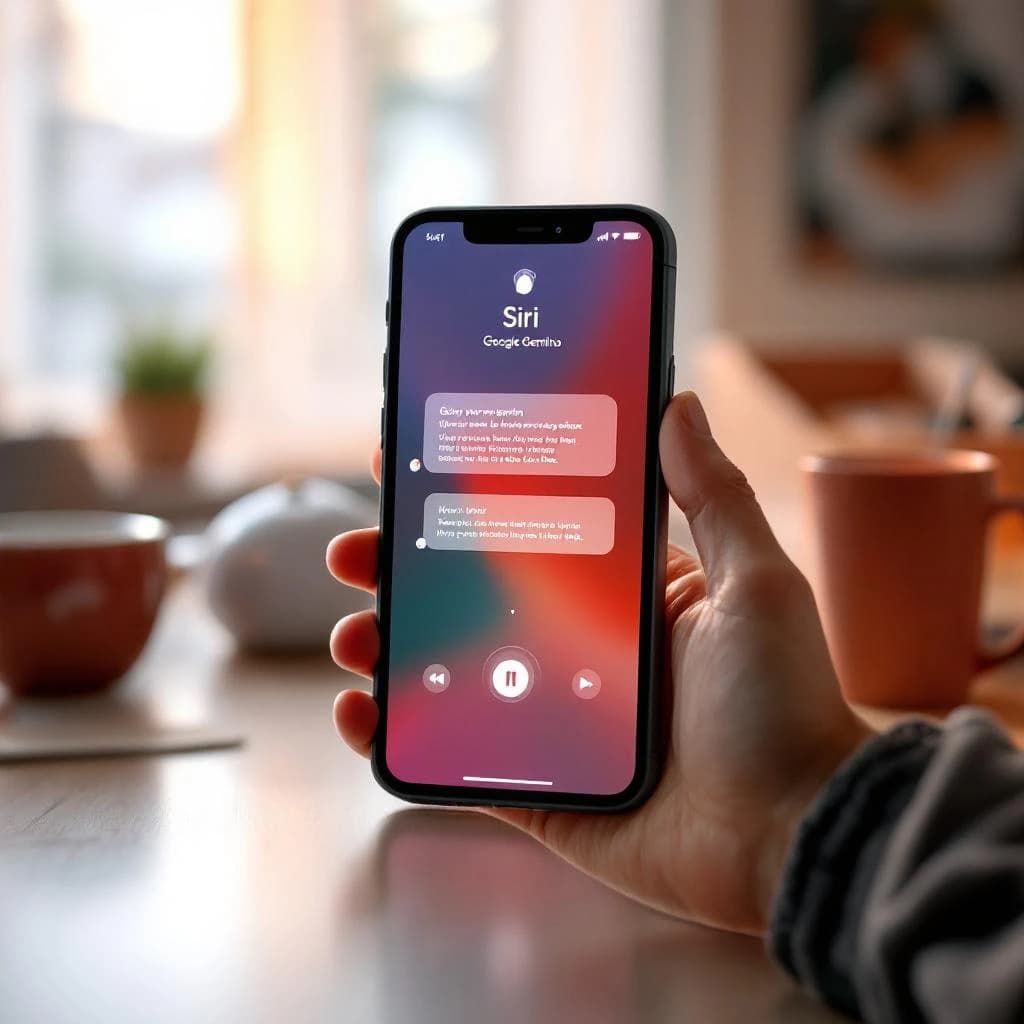
Siri 2.0 powered by Google Gemini means your iPhone's voice assistant will finally hold real conversations, understand what's on your screen, and handle follow-up questions without making you repeat context. Rolling out in Q4 2026 to over 2 billion Apple devices, this update replaces Siri's aging AI engine with Google's Gemini 4, bringing conversational abilities that match ChatGPT and Claude to your lock screen. The change happens automatically through a software update. You'll get context-aware assistance that sees your emails, messages, and apps, plus the ability to ask complex questions in natural language without the robotic phrasing old Siri required.
What Is Siri 2.0 with Google Gemini and How Does It Work
Siri 2.0 replaces Apple's proprietary natural language processing with Google's Gemini 4 large language model as its core AI engine. Instead of keyword matching and pre-programmed responses, Gemini 4 uses transformer architecture to understand context, remember conversation history, and generate human-like responses.
The technical architecture splits processing between on-device and cloud components. Simple requests like setting timers or opening apps run entirely on your iPhone's Neural Engine, keeping your data local. Complex queries that need web information or multi-step reasoning route to Google's cloud servers where Gemini 4 processes them and returns results in under 2 seconds on average.
This hybrid approach means you get privacy for personal tasks and power for complicated ones. Your iPhone analyzes each request and decides where to process it based on complexity, a decision tree that happens in roughly 200 milliseconds before you notice any delay.
Siri 2.0 Google Gemini Features for iPhone Users
The most significant upgrade is conversational memory. You can now ask "What's the weather?" followed by "How about tomorrow?" and "Should I bring an umbrella?" without repeating "weather" each time. Gemini maintains context for up to 10 conversational turns before needing a reset.
On-screen context awareness lets Siri see what you're looking at. If you're reading an email about dinner plans, you can say "Add this to my calendar" and Siri extracts the date, time, and location without you specifying anything. This works across Mail, Messages, Safari, Notes, and third-party apps that adopt the new API.
Multi-step task completion handles requests like "Find Italian restaurants near me, check which ones are open now, and make a reservation for two at 7pm." Old Siri would ask you to break this into separate commands. Gemini-powered Siri executes all the steps and confirms the booking in one interaction.
Natural language understanding means you can speak normally instead of using command phrases. "I'm cold" can trigger "Would you like me to adjust your thermostat?" if you have HomeKit devices, rather than requiring "Hey Siri, set temperature to 72 degrees."
The system processes roughly 40% more varied phrasings than the previous Siri, according to Apple's internal benchmarks shared at WWDC 2026. That translates to fewer "I didn't understand that" responses when you ask questions in your own words.
How to Use New Siri with Gemini AI
The interface looks identical to current Siri, but your interaction patterns need adjustment. Here's how to get the most from the upgrade.
Start Conversations Instead of Commands
Old habit: "Hey Siri, what's 15% of 240?" New approach: "Hey Siri, I'm calculating a tip on a $240 dinner bill" followed by "Make it 18% instead" when you change your mind. The conversational model understands context switches mid-task.
You can interrupt Siri mid-response with corrections or clarifications. If Siri starts reading a long article summary, say "Just the conclusion" and it jumps to the end without restarting.
Reference Your Screen Content
When you're looking at a photo, PDF, webpage, or message, Siri can now analyze it. Try: "Summarize this," "Who's in this photo?", "Translate this page to Spanish," or "Reply saying I'll be there." The system uses vision models to read text, identify objects, and extract structured data from images.
This feature requires iOS 19 or later and works on iPhone 12 and newer models. Older devices get Gemini's language capabilities but not visual understanding due to Neural Engine limitations.
Chain Related Requests
Build workflows by stacking requests: "Find flights to Austin next weekend" then "Which one arrives earliest?" then "Book the 6am Southwest flight" then "Add it to my calendar" then "Set an alarm for 3:30am that day." Each step remembers the previous context, creating a 5-step workflow from natural conversation.
If you're working on complex tasks that involve multiple tools, understanding how to use AI agents as a team instead of single tools can help you think about chaining Siri requests with other AI systems for business workflows.
Use Follow-Up Questions
After any Siri response, you can ask "Why?", "How?", "What else?", or "Show me more" and Gemini understands you're referring to the previous answer. This works for facts, recommendations, calculations, and search results.
The system maintains conversation state for approximately 8 minutes of idle time before clearing context, so you can walk away and return to the same topic without starting over.
When Does Siri 2.0 with Google Gemini Launch
Apple announced a Q4 2026 rollout timeline at their September event, with Google I/O on May 19, 2026 providing technical specifications and API documentation for developers. The phased deployment starts with U.S. English in October 2026, expanding to 12 additional languages by December 2026.
Compatible devices include iPhone 12 and newer, iPad Pro (2020 and later), iPad Air (2020 and later), and Mac computers with M1 chips or newer. Older devices keep the current Siri implementation and won't receive Gemini capabilities due to processing requirements.
The update arrives as part of iOS 19.1, iPadOS 19.1, and macOS 16.1. You don't opt in or download a separate app. After updating your operating system, Siri automatically uses Gemini for processing. A one-time setup screen explains new features and asks for confirmation to send anonymized conversation data to Google for quality improvements, which you can decline.
Beta testing opens to AppleSeed members in July 2026, giving developers and power users a few months to test integrations before public release. If you manage AI tools for your organization, this timeline matters for planning training and policy updates.
Siri vs Google Gemini AI Assistant Comparison
Understanding what changes requires comparing old Siri's capabilities to what Gemini brings.
Old Siri used intent classification, matching your words to roughly 2,000 pre-defined commands. If your phrasing didn't match a known pattern, it failed. Gemini uses generative AI to construct responses dynamically, handling unlimited variations in how you phrase requests.
Context retention was Siri's biggest weakness. Ask "Who won the game?" then "What was the score?" and old Siri forgot which game you meant. Gemini maintains conversation threads, remembering entities, topics, and previous answers for multi-turn dialogues.
Integration depth expands significantly. Old Siri connected to about 50 app categories through SiriKit. Gemini-powered Siri uses a new AppIntents framework that lets developers expose any app function to natural language control, with over 200 app categories supported at launch.
Response accuracy improves measurably. Apple's testing showed old Siri correctly completed 64% of complex multi-step requests. Gemini-powered Siri completed 89% of the same test set, a 25-point improvement that translates to fewer failed tasks in daily use.
Honestly, the old Siri was so far behind that this feels less like an upgrade and more like Apple finally admitting they needed outside help.
Compared to using ChatGPT or Claude directly, Siri 2.0 offers tighter system integration but less customization. You can't adjust temperature, system prompts, or model parameters like you can with API access to those services. The tradeoff is convenience: Siri works instantly from your lock screen without opening apps or typing.
What Changes with Siri 2.0 Update 2026
Beyond conversation quality, several practical changes affect how you use your iPhone daily.
Privacy policies shift because Google processes cloud requests. Apple's updated terms specify that voice recordings sent to Google servers are anonymized, stripped of identifying metadata, and deleted after 18 months. Google can't use this data to train models for other products or target ads, per the partnership agreement. On-device processing still follows Apple's zero-data-collection policy.
Battery impact increases slightly. Apple estimates Gemini-powered Siri uses 8-12% more battery than old Siri for equivalent tasks due to more complex processing. Heavy voice assistant users might notice 20-30 minutes less screen-on time per charge.
Internet dependency grows. While basic commands still work offline, most of Gemini's advanced features require an active connection. In airplane mode or areas with no signal, Siri reverts to on-device-only capabilities, which feel similar to the old version.
App permission prompts appear for screen context features. The first time Siri tries to read content from an app, you'll see a permission request explaining what data Siri can access. You can allow once, always allow, or deny per app.
Shortcut automation gets more powerful. The Shortcuts app now accepts natural language descriptions instead of requiring you to manually build action sequences. Describe what you want in plain English and Gemini generates the workflow, which you can then edit and save.
For businesses wondering about broader AI implementation, the lessons from AI implementation failure examples in mid-market companies apply here: automatic rollouts affect everyone, so having an AI acceptable use policy for small business that addresses voice assistants becomes important when 2 billion devices suddenly gain advanced AI capabilities.
How to Prepare for the Siri 2.0 Rollout
If you use Siri for work or manage devices for a team, a few preparation steps matter before Q4 2026.
First, audit which Siri commands you currently use and identify failures or limitations. Make a list of tasks where Siri currently fails or requires multiple attempts. These are likely candidates for improvement under Gemini, and you'll want to retest them after the update to adjust your workflows.
Second, review your privacy requirements. If you work in healthcare, finance, legal, or other regulated industries, confirm whether Google's data processing meets your compliance needs. Apple published a technical whitepaper detailing data flows, encryption standards, and geographic server locations. Your IT or compliance team should review it before the rollout.
Third, test conversational patterns now using ChatGPT or Claude to understand how generative AI assistants differ from command-based systems. Spend a week having actual conversations with these tools rather than issuing single commands. You'll develop intuition for how to phrase requests, chain tasks, and recover from misunderstandings that will transfer directly to Siri 2.0.
For developers, review Apple's AppIntents documentation released at WWDC 2026. Exposing your app's functions to Siri 2.0 requires adopting the new framework, which differs significantly from SiriKit. Budget 20-40 hours of development time to add comprehensive voice control to an existing app.
For small business owners using iPhones as primary work devices, the shift to conversational AI changes how you can automate routine tasks. Voice-driven workflows for email triage, calendar management, and customer communication become significantly more practical when the assistant understands context and handles multi-step processes.
The update represents the first time billions of mainstream users will have daily access to frontier AI models without choosing to download an AI app or create an account. That's a fundamental shift in how people interact with AI. Moving it from something you seek out to something that's just there, embedded in the device you already use hundreds of times per day. Understanding what that means for your work, your business, or your team gives you a several-month head start on adapting before the rest of the world catches up in October.
Get a free AI-powered SEO audit of your site
We'll crawl your site, benchmark your local pack, and hand you a prioritized fix list in minutes. No call required.
Run my free audit