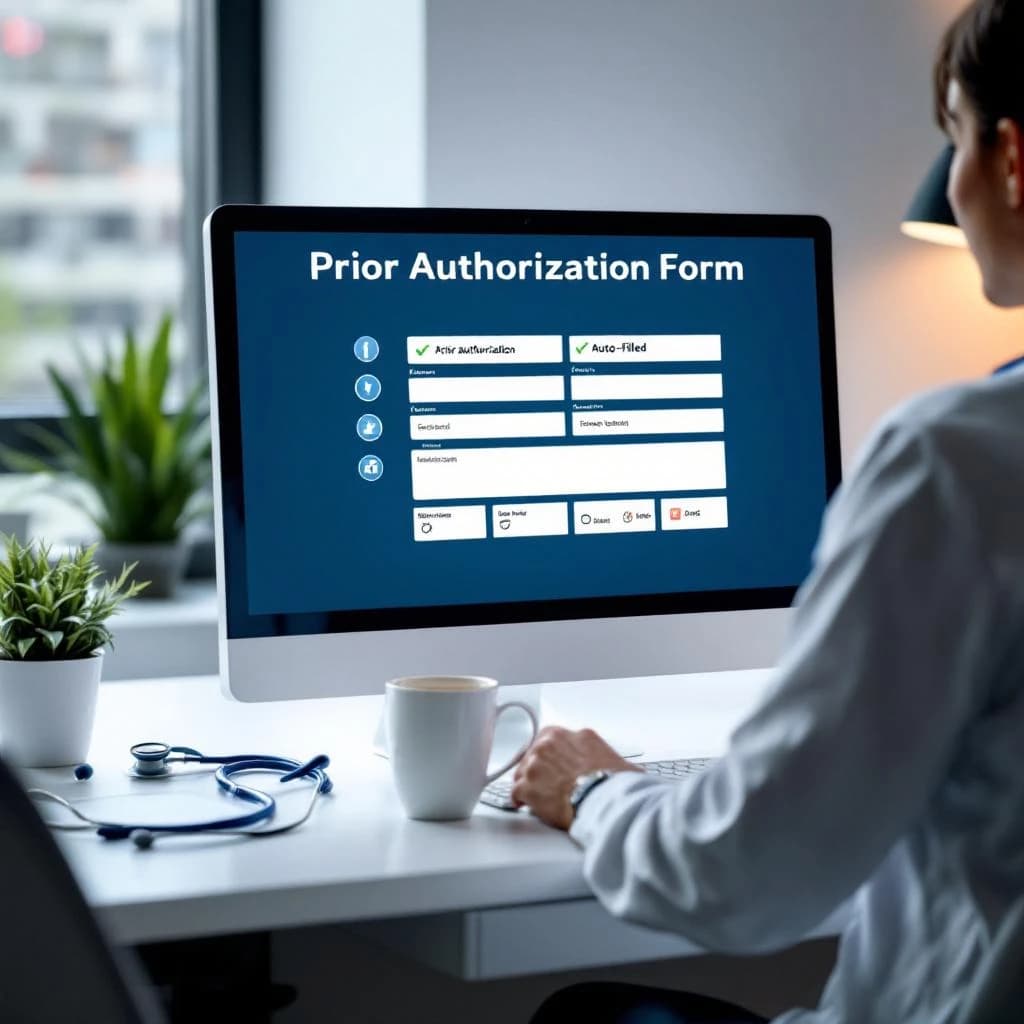
AI prior authorization uses natural language processing to read clinical notes in your EHR, match them against payer-specific criteria, draft medical necessity justifications, and pre-fill submission forms. The model automates the documentation assembly and form-filling steps that currently burn 15-30 minutes per case, but a clinician still reviews and signs off on every submission. You're not removing human judgment, you're removing the clerical work that keeps your front desk staff or MA buried in PDFs and portal logins three hours a day.
That's the mechanical answer. The business answer is harder: most primary care practices sit on 40-80 prior auth requests per month and handle them with a patchwork of sticky notes, faxes, and whoever has time. AI can reclaim 20-25 hours per month in a six-provider practice, but only if you scope it to the right payer mix and refuse to deploy it without proper EHR integration.
What Is AI Prior Authorization and How It Actually Works
Traditional prior authorization is a five-step process. Your front desk or MA receives a denial or payer notification. Someone pulls the patient chart and identifies the relevant clinical notes. A human reads payer criteria, matches it to documentation, fills out a form (often a PDF or payer portal), submits it, then follows up when the payer sits on it for 72 hours.
AI prior authorization software automates steps two through four. The model ingests clinical notes from your EHR, extracts diagnoses, medication history, lab results, and prior treatments. It cross-references those data points against a database of payer-specific criteria (pulled from publicly available medical policies or vendor-maintained libraries). It drafts a justification paragraph citing the clinical rationale, pre-fills the payer form, and routes the package to a clinician for review.
The clinician reads the draft, confirms clinical appropriateness, edits if needed, and approves submission. That review step is non-negotiable. Any vendor pitching full lights-out automation is selling you liability you don't want.
Most AI PA tools sit inside your EHR as an integrated module or connect via API to pull notes in real time. A few operate as standalone portals, which means double data entry and adoption rates below 30%. If the vendor demo doesn't show a live EHR pull, walk away.
Why AI Prior Authorization Matters More in 2026 Than It Did Two Years Ago
Prior auth volume is climbing. Practices report 15-20% more requests year-over-year, driven by GLP-1 medications, specialty referrals, and imaging. The AMA pegs the average prior auth at 13 minutes of physician and staff time, but that number assumes a straightforward commercial payer with a web portal. Medicaid and some Medicare Advantage plans still require fax submission and phone follow-up, pushing real time closer to 25-30 minutes per case.
In a six-provider primary care practice seeing 120 patients per day, you're likely processing 50-70 prior auths per month. That's 20-35 staff hours. If you're paying an MA $22/hour, that's $440-$770 per month in direct labor, not counting physician time reviewing denials or the revenue delay when prior auth holds up a high-margin procedure referral.
AI PA tools cut that time by 60-70% when scoped correctly. You're looking at 8-12 hours of reclaimed staff time per month, which translates to roughly $3,600-$5,000 in annual savings for a mid-sized practice. That's enough to cover the software cost and fund half an FTE doing something higher-value, like care coordination or patient outreach.
The bigger win is speed. Automated submissions go out same-day instead of sitting in a queue for 48 hours. Faster approvals mean fewer appointment cancellations and better patient satisfaction scores, which matter if you're in a value-based contract or trying to retain commercially insured patients.
The Five-Step AI Prior Authorization Workflow
Here's what happens inside the software when a prior auth request hits your practice.
Step One: Intake and Triggering
The payer sends a denial or prior auth requirement. If your EHR has real-time eligibility checking, the system flags it at scheduling. If not, your front desk logs it manually. The AI tool either monitors your EHR inbox for these flags or requires a staff member to initiate the case by selecting the patient and medication or procedure.
Better tools auto-trigger based on common denial codes. Weaker tools require manual case creation, which defeats half the point.
Step Two: Clinical Data Extraction
The model pulls the patient's chart: problem list, medication history, recent visit notes, lab results, imaging reports. It uses NLP to identify relevant clinical facts like "failed first-line therapy," "documented contraindication," or "HbA1c >8.5%." This step replaces the 8-12 minutes a human spends reading notes and highlighting sentences.
Models trained on your EHR's note structure perform better here. Generic models struggle with templated notes, copy-forward documentation, and the creative abbreviations your providers use. Ask the vendor how many practices on your specific EHR they've deployed in.
Step Three: Payer Criteria Matching
The software compares extracted clinical facts against the payer's published medical policy. For a GLP-1 prior auth, that might be BMI >30, documented diabetes or prediabetes, and failure of metformin. The model identifies gaps (missing documentation) and flags them for the clinician.
This is where payer mix matters. Commercial plans like Aetna, Cigna, and BCBS publish structured policies and accept standardized forms. Medicaid programs vary wildly by state, and some Medicare Advantage plans change criteria quarterly. Tools that rely on static criteria databases break when policies update. Ask how often the vendor refreshes payer rules and whether they cover your top five payers by volume.
Step Four: Justification Drafting and Form Completion
The model writes a 3-5 sentence justification citing clinical rationale, pulls relevant quotes from the chart, and pre-fills the payer's form. For payers with portal submission, it can auto-populate fields. For PDF or fax submission, it generates a completed form ready for review.
Good tools let you edit the draft before submission. Bad tools lock you into generated text, which is a problem when the model misinterprets a note or cites outdated information.
Step Five: Human Review and Submission
A clinician or credentialed staff member reviews the package, confirms accuracy, and approves submission. This step takes 2-4 minutes instead of 15-20. The software logs the submission, tracks status, and alerts you if the payer doesn't respond within the expected window.
Some tools offer auto-resubmission for denials with boilerplate reasons. That's useful for high-volume practices but introduces risk if the model doesn't catch a substantive denial reason that requires chart amendment.
Which Payer Mixes See ROI First and Which Break the Models
AI PA works best when 60%+ of your prior auth volume comes from commercial payers with standardized forms. Practices with heavy Medicaid or fragmented Medicare Advantage panels see slower ROI because the model has to handle 15+ different submission formats and criteria sets.
If your top three payers account for 70% of prior auth volume, you'll hit breakeven in 4-6 months. If your payer mix is fragmented across 10+ plans, expect 9-12 months and more manual override.
Medication prior auths (especially GLP-1s, specialty drugs, and non-formulary requests) deliver faster ROI than procedure or imaging auths. The criteria are more standardized, and the payer response time is shorter. Imaging prior auths for MRI or CT often require peer-to-peer review, which AI can't automate.
Practices that see ROI fastest are those that scope deployment to one or two high-volume medication classes first, prove the time savings, then expand. Practices that try to automate everything on day one spend six months troubleshooting edge cases and never get past 40% adoption. Start narrow, measure hard, then scale.
The Four Proof Points to Demand From Any AI PA Vendor
Vendor demos are theater. You need to see real data from practices similar to yours before you sign anything.
Time-to-approval delta: How much faster do prior auths get approved when processed through the AI tool versus your current manual workflow? Ask for a cohort comparison from an existing customer. You want to see average approval time drop from 4-5 days to 2-3 days. If the vendor can't show this, they're not tracking it, which means they don't know if the tool works.
Human override rate: What percentage of AI-drafted submissions require significant edits before approval? A good tool should have an override rate below 20%. If it's above 30%, the model isn't trained well enough, and you're just trading one manual process for another.
Payer rejection rate: Do AI-submitted prior auths get rejected more or less often than manually submitted ones? You want to see rejection rates stay flat or drop. If they're climbing, the model is making clinical or documentation errors that your staff is missing in review. I've seen one practice where rejection rates doubled because the tool cited outdated clinical guidelines and no one caught it for three months.
Per-case cost: What does the software cost per prior auth processed, and how does that compare to your current FTE burden? If you're processing 60 prior auths per month and the tool costs $800/month, that's $13.33 per case. If your staff spends 25 minutes per case at $22/hour, your current cost is $9.17 per case. The software only wins if it cuts staff time by 60%+ or speeds up approvals enough to reduce appointment cancellations.
Demand a 60-day pilot with your own EHR data and your own payer mix. Any vendor that won't offer that isn't confident in their product.
Why Practices Rarely Deploy This First (But Should)
AI prior authorization delivers the highest ROI of any AI use case in primary care. It's more predictable than AI scribes, easier to scope than clinical decision support, and faster to prove than patient engagement chatbots. Yet most practices deploy scribes first because scribes are sexier and easier to sell to physicians.
Prior auth is invisible until it breaks. Physicians don't feel the pain directly because front desk staff absorbs it. But when you add up the hours, the revenue delays, and the patient frustration from canceled appointments, it's the biggest operational drag in most practices.
Look, scoped right looks like this: pick two high-volume medication classes (GLP-1s and one other), integrate with your EHR, train two staff members, and run parallel workflows for 30 days. Measure time per case, rejection rate, and staff satisfaction. If it works, expand to imaging and procedure auths.
Scoped wrong looks like this: sign a contract for full-practice automation, discover the tool doesn't integrate with your EHR's prior auth module, spend three months building custom workflows, burn out your staff with double documentation, and quietly shelf it after six months. Cost matters, but bad scoping kills more AI projects than budget ever does.
If you're running a 3-8 provider primary care practice and prior auth is eating more than 15 staff hours per month, this is the first AI tool you should buy. Not the flashiest, not the one your EHR vendor is pushing. The one that gives you 20 hours back per month and proves AI can actually work in your operation. Once you've shipped one successful AI project, the second one is ten times easier to sell internally.
Get a free AI-powered SEO audit of your site
We'll crawl your site, benchmark your local pack, and hand you a prioritized fix list in minutes. No call required.
Run my free audit