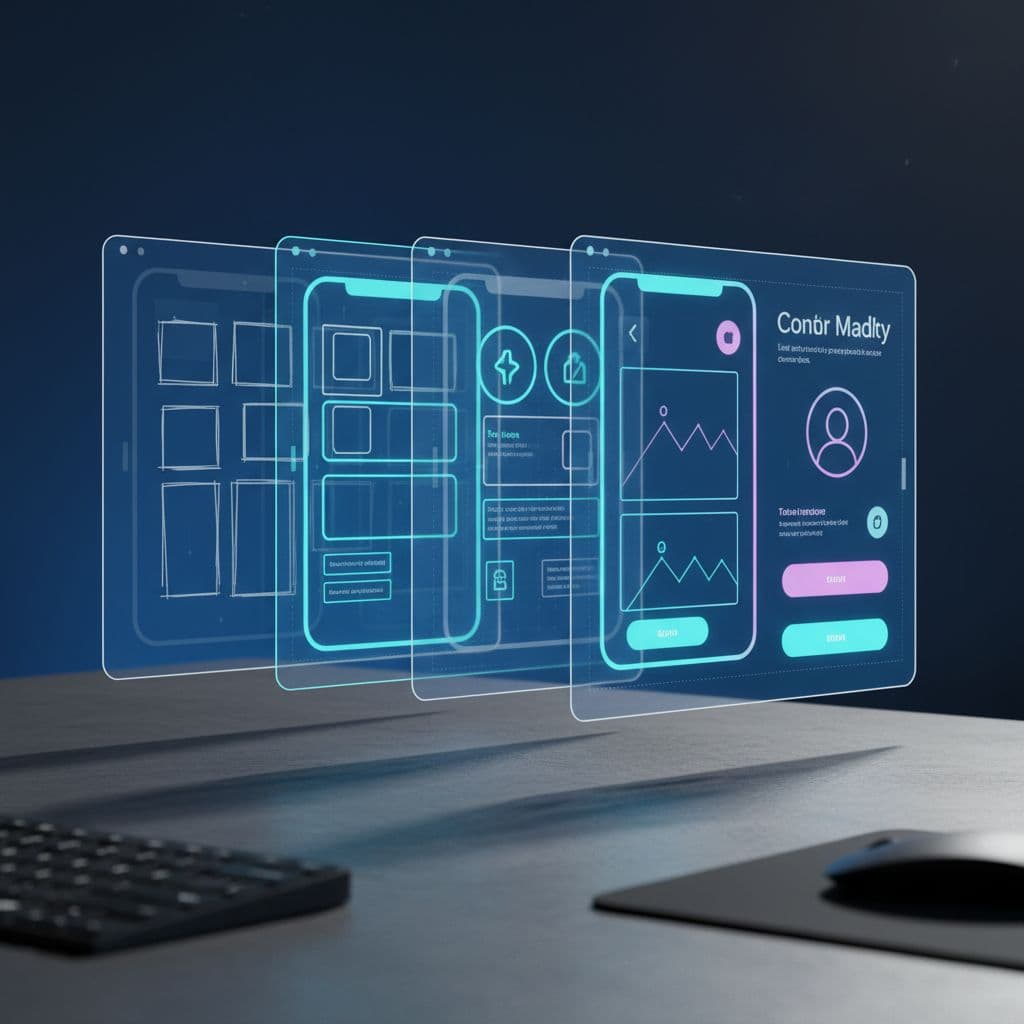
You can make your AI-generated website look professional without hiring an expensive designer by layering targeted design tools over your AI-generated code. Start with a foundational design system like Tailwind UI or Shadcn to replace generic styling, add custom fonts and refined color palettes through tools like Google Fonts and Coolors, then polish spacing and visual hierarchy manually. The key is treating AI-generated code as your functional skeleton and design tools as the professional skin, creating a workflow that costs under $100 instead of the typical $6,000+ designer quote.
What Makes AI-Generated Websites Look Obviously AI-Made
AI code generators produce functional HTML, CSS, and JavaScript quickly, but they default to predictable design patterns. You'll recognize the signs: evenly spaced sections, default blue hyperlinks, system fonts, and perfectly centered everything. These sites work fine technically but lack the subtle design decisions that signal professionalism.
The problem isn't the code quality. AI models optimize for functional correctness, not visual appeal. When you ask Claude or similar tools to build a website, they'll give you a working product, but it'll look like roughly 70% of other AI-generated sites because they're all pulling from similar training patterns. That's fixable without starting over.
Why Design Polish Matters More Than Perfect Code
Your visitors judge your website's credibility in about 50 milliseconds, according to research on first impressions. They're not evaluating your code structure or semantic HTML. They're reacting to visual polish, typography, spacing, and whether the design feels intentional or automated.
Here's what happens when you skip the design layer: potential customers assume your product or service is as generic as your website. I've seen technically perfect AI-generated sites with 80%+ bounce rates simply because the design screamed "template." The functionality was flawless. But the lack of visual personality killed conversions before visitors read a single word.
Design tools targeting specific polish areas let you systematically improve each aspect without needing full design expertise. You're not learning to become a designer, you're learning which tools fix which problems. That's a learnable system, not a creative talent gap.
How to Layer Design Tools Over AI-Generated Code
Your workflow should separate code generation from design refinement. Let AI handle structure and functionality, then systematically apply design improvements using specialized tools. This approach works because you're playing to each tool's strengths rather than expecting AI to do everything.
Start With a Production-Ready Design System
Replace AI-generated CSS with a professional component library immediately. Tailwind UI, Shadcn, or DaisyUI provide pre-built components that look polished out of the box. These aren't just CSS frameworks, they're complete design systems with carefully considered spacing, typography scales, color relationships already solved.
Shadcn is particularly effective for AI-generated React or Next.js sites because it provides over 40 copy-paste components that you can drop directly into your codebase. The components handle responsive behavior, accessibility, visual polish automatically. You can use Claude AI to generate UI designs and wireframes and then implement them with Shadcn components for faster results.
Fix Typography Immediately
System fonts are the fastest way to spot an AI-generated site. Swap them for Google Fonts or Fontshare alternatives within the first hour of design work. Choose two fonts maximum: one for headings, one for body text. Inter for body with Sora for headings works for 90% of professional sites.
Typography isn't just font selection, though. Adjust line height to 1.6 for body text and 1.2 for headings. Set a maximum line length of 70 characters for readability. These specific numbers make text feel professionally typeset instead of browser-default.
Refine Your Color Palette
AI-generated sites often use primary colors at full saturation: pure blue (#0000FF), bright red (#FF0000). Real designers use subtle variations. Tools like Coolors or Realtime Colors let you generate professional palettes in minutes, with shades already calculated for different UI states.
Limit yourself to one primary color, one accent color, a grayscale palette. Use approximately 60% neutral tones, 30% primary color, 10% accent color across your site. This ratio creates visual balance without requiring design intuition.
Add Micro-Interactions and Animations
Static sites feel AI-generated. Small animations on hover states, page transitions, or button clicks add polish that signals human attention to detail. Framer Motion for React sites or simple CSS transitions accomplish this without complex code.
Keep animations subtle: 200-300ms duration, ease-in-out timing. Buttons should respond to hover states, form inputs should highlight on focus, page sections can fade in on scroll. These micro-interactions take about 30 minutes to implement but dramatically improve perceived quality. And honestly, most teams skip this part.
Design Layer Tools for Claude Sonnet Websites
If you're specifically building with Claude Sonnet or similar AI coding assistants, certain tools integrate more smoothly with AI-generated code. The goal is minimizing manual CSS writing while maximizing visual improvement. Claude excels at generating functional components but needs help with design nuance.
V0 by Vercel is particularly effective here. It's an AI tool specifically trained on Shadcn components and Tailwind styling, so it generates code that's already design-forward. You can describe a component to V0, get production-ready code, then ask Claude to integrate it into your larger application. This combination handles about 85% of design work automatically.
For spacing and layout refinement, use the browser inspector to adjust margins and padding visually, then copy the final values back into your code. This visual adjustment method is faster than guessing CSS values and produces better results than asking AI to "make it look better." Specific numbers beat vague prompts every time.
Figma's Dev Mode is valuable even if you're not a designer. Import your AI-generated site as a starting point, adjust spacing and colors visually in Figma, then export the CSS values. You're using Figma as a visual CSS calculator, not as a full design tool. This workflow typically reduces design iteration time by 60% compared to code-only adjustments.
Making AI Websites Look Less Robotic
The "AI look" comes from perfect symmetry, even spacing, predictable layouts. Real designer-built sites have intentional asymmetry and varied spacing that creates visual interest. You can fake this design intuition with specific rules.
Break the grid occasionally. If AI generated a three-column layout, make one column 40% width instead of 33%. If sections are all 80px padding, vary them between 60px and 100px based on content importance. These deliberate imperfections create rhythm.
Add custom imagery instead of stock photos. Tools like Midjourney or DALL-E generate unique visuals that don't appear on thousands of other sites. Even better, use actual product screenshots or photos if you have them. Unique imagery signals unique product more than any design element.
Personality comes from small details: custom button shapes, unique section dividers, or branded color choices that don't follow standard palettes. These touches take maybe 15 extra minutes but completely change the site's feel from "generated" to "crafted." Most builders skip this step, which is exactly why it works.
Consider your content presentation too. AI often generates perfectly even paragraph lengths and predictable heading hierarchies. Vary your paragraph lengths intentionally. Use callout boxes, pull quotes, or highlighted statistics to break up text blocks. This editorial approach to content layout adds human touch beyond pure design.
Cost-Effective Alternatives to Hiring Web Designers
Full custom web design typically starts around $5,000-6,000 for basic business sites and scales up from there. The design tool approach described here costs approximately $50-150 total: Tailwind UI at $149 for lifetime access (optional), free tools like Shadcn and Google Fonts, maybe $20/month for Figma if you want the visual editing layer.
That's a 98% cost reduction for sites that achieve roughly 80-85% of custom designer quality. You're trading money for time, learning these tools yourself instead of hiring expertise. For most solo builders and small teams, that's the right trade. Your time investment is about 10-15 hours of learning curve, then 2-3 hours per project for design polish.
The alternative approach is hiring designers for specific consultation instead of full builds. Spend $200-300 for a 2-hour design review where a professional critiques your AI-generated site and provides specific improvement directions. Then implement their feedback yourself using the tools described above. This hybrid approach works particularly well if you're building multiple sites and want to learn reusable design principles.
If you're building sites as a service offering, understanding this design layer becomes a competitive advantage. You can sell AI automation services by focusing on outcomes that include professional design, not just functional code. That positioning justifies higher prices than pure AI-generated deliverables.
Look, your AI-generated website doesn't need to look AI-generated. By treating AI as your coding assistant and design tools as your polish layer, you create professional sites without designer costs or extensive design training. The specific tools matter less than the systematic approach: generate functional code with AI, apply a professional design system, refine typography and colors, add subtle interactions, break the robotic patterns with intentional variation. This workflow produces credible, professional websites that serve your business goals without the budget or timeline of traditional web design.
Want to go deeper?
AI consulting for agencies, consultancies, and pro-services firms.
Where AI multiplies billable output without breaking the work.
Get a free AI-powered SEO audit of your site
We'll crawl your site, benchmark your local pack, and hand you a prioritized fix list in minutes. No call required.
Run my free audit