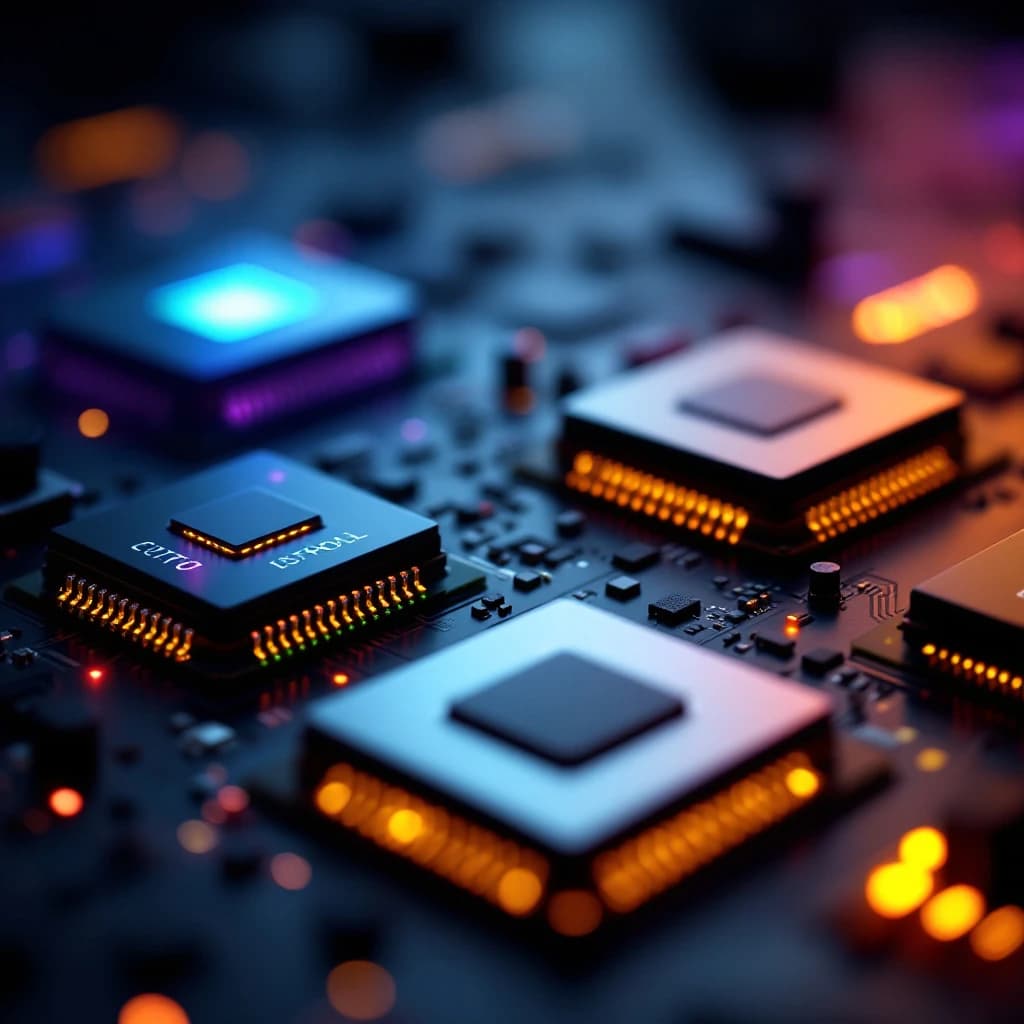
The four main processor types powering AI are CPUs (general-purpose coordinators), GPUs (parallel computation workhorses), TPUs (Google's custom AI accelerators), and NPUs (on-device AI chips in your phone or laptop). CPUs manage workflows and orchestrate tasks but struggle with the massive parallel math AI requires. GPUs excel at training and running deep learning models thanks to thousands of cores working simultaneously. TPUs optimize specifically for tensor operations at scale, delivering faster performance for large AI workloads. NPUs bring AI inference directly to edge devices, letting your phone run models locally without cloud latency. Understanding these chips helps you choose the right hardware for running AI locally, evaluate devices with AI capabilities, and make informed decisions about cloud versus on-device deployment.
What Is a CPU and Why Does It Matter for AI?
Your CPU (Central Processing Unit) is the general-purpose brain of your computer. It handles everything from opening applications to managing memory, coordinating between different components, and executing sequential logic. Modern CPUs typically have 4 to 16 cores, with each core optimized for handling diverse tasks quickly.
For AI workloads, CPUs play the conductor role. They preprocess data, load models into memory, coordinate between different hardware components, and handle the non-AI parts of your application. When you run ChatGPT in your browser, your CPU manages the interface, sends requests to servers, and displays responses.
CPUs struggle with deep learning because AI models require millions of identical mathematical operations performed simultaneously. A CPU with 8 cores can only process 8 calculations at once, making it roughly 100 times slower than a GPU for training neural networks. That said, CPUs remain essential for orchestrating AI workflows and handling preprocessing tasks.
If you're running small AI models locally (like a 7-billion parameter language model), your CPU can technically handle inference, but expect speeds of 1 to 3 tokens per second compared to 20 to 50 tokens per second on a decent GPU. For businesses implementing AI tools without bottlenecks, understanding this performance gap matters when planning infrastructure.
GPU vs TPU for Machine Learning Explained
GPUs (Graphics Processing Units) were originally designed to render video game graphics, but their architecture accidentally became perfect for AI. A modern NVIDIA RTX 4090 has 16,384 CUDA cores, each capable of performing calculations simultaneously. This parallel processing power makes GPUs 50 to 100 times faster than CPUs for training neural networks.
When you train a machine learning model, you're performing matrix multiplications across millions of parameters. GPUs excel at this because they can process entire matrices in parallel. The NVIDIA A100 GPU, commonly used in data centers, delivers 312 teraflops of AI performance and can train models that would take weeks on a CPU in just hours.
TPUs (Tensor Processing Units) are Google's custom chips designed exclusively for AI workloads. Unlike GPUs that handle graphics and AI, TPUs optimize purely for tensor operations (the mathematical foundation of neural networks). A single TPU v4 Pod can deliver 1.1 exaflops of performance, making it roughly 3 to 4 times faster than equivalent GPU clusters for large-scale training.
The practical difference: GPUs offer flexibility and work with any AI framework (PyTorch, TensorFlow, JAX). TPUs provide superior performance and efficiency but primarily work through Google Cloud and TensorFlow. If you're training models yourself, you'll likely use GPUs. If you're using Google's AI services or running massive training jobs, TPUs deliver better cost per performance.
When to Choose GPU Over TPU
Choose GPUs when you need hardware flexibility, want to run models locally, or work with frameworks beyond TensorFlow. NVIDIA GPUs dominate AI development because they're accessible, well-documented, and supported by every major framework. You can buy an RTX 4090 for around $1,600 and start training models immediately.
Choose TPUs when you're running large-scale training on Google Cloud, need maximum efficiency for production inference, or work primarily with TensorFlow. Google's TPU pricing often beats GPU costs for sustained workloads, with a TPU v3 costing roughly $1.35 per hour compared to $2.48 for a comparable V100 GPU on the same platform.
For most developers and small businesses, GPUs remain the practical choice. They're available locally, work with your existing code, and don't lock you into a single cloud provider. Simple as that.
What Is an NPU and Why Does Your Phone Need One?
NPUs (Neural Processing Units) are specialized AI chips built directly into consumer devices like smartphones, laptops, and tablets. Apple's Neural Engine, Qualcomm's Hexagon NPU, and Intel's AI Boost are all NPUs designed to run AI inference locally without sending data to the cloud.
Your iPhone's Neural Engine can process 17 trillion operations per second, enabling features like real-time photo enhancement, voice recognition, and Face ID. These NPUs consume roughly 10 times less power than running the same operations on your phone's main CPU, extending battery life while enabling always-on AI features.
NPUs matter because they enable on-device AI that's private, fast, and works offline. When you use voice typing on your phone, the NPU processes your speech locally rather than sending audio to cloud servers. This reduces latency from 200 to 300 milliseconds to under 50 milliseconds, making interactions feel instantaneous.
The difference between NPUs and GPUs comes down to optimization. GPUs are designed for training models and running large-scale inference. NPUs are optimized for running small, efficient models locally with minimal power consumption. A laptop NPU might deliver 45 TOPS (trillion operations per second) while consuming just 5 watts, whereas a GPU delivering similar performance would consume 150 to 300 watts.
What Hardware Do You Need to Run AI Models Locally?
Running AI models locally depends entirely on model size and your performance expectations. Small language models (7 to 13 billion parameters) run acceptably on modern consumer hardware, while larger models require dedicated AI hardware.
For basic local AI experimentation, you need a GPU with at least 8GB of VRAM. An NVIDIA RTX 3060 (12GB VRAM) can run 7B parameter models at 20 to 30 tokens per second, sufficient for interactive use. The RTX 4070 Ti (12GB) or RTX 4080 (16GB) deliver 40 to 60 tokens per second with the same models.
For serious AI development or running larger models (30 to 70B parameters), consider GPUs with 24GB or more VRAM. The RTX 4090 (24GB) handles 13B models comfortably and can run quantized 30B models. Professional cards like the NVIDIA A6000 (48GB) or A100 (80GB) enable running 70B models without offloading to system RAM.
CPU and RAM Requirements
Your CPU matters less for inference but still needs sufficient power for preprocessing. A modern 6-core processor (Intel i5-12400 or AMD Ryzen 5 5600X) handles most AI workloads adequately. Avoid older quad-core chips that bottleneck data loading.
RAM requirements scale with model size. Plan for at least 16GB system RAM for 7B models, 32GB for 13B models, and 64GB or more for anything larger. When models exceed your GPU's VRAM, they offload to system RAM, slowing inference dramatically but keeping things functional.
If you're building AI agents from scratch or running multiple models simultaneously, consider 64GB RAM and a high-end GPU as your baseline configuration.
NPU-Enabled Devices for Edge AI
For on-device AI without a dedicated GPU, look for laptops with integrated NPUs. Intel's Core Ultra processors include AI Boost NPUs delivering 10 to 34 TOPS. AMD's Ryzen AI chips provide similar capabilities. Apple's M3 and M4 chips include Neural Engines with 18 TOPS performance.
These NPUs won't replace GPUs for training or running large models, but they enable practical on-device inference for smaller models. You can run lightweight AI assistants, real-time transcription, and local image processing without cloud dependency or GPU power consumption.
How Do CPUs and GPUs Work Together for AI?
Modern AI systems use CPUs and GPUs in tandem, with each handling what it does best. Your CPU manages the overall application flow, loads data, preprocesses inputs, and coordinates between components. Your GPU focuses exclusively on the compute-intensive matrix operations that power neural networks.
When you run an AI model locally, here's the typical workflow: Your CPU loads the model weights from storage into system RAM, then transfers them to GPU VRAM. The CPU preprocesses your input (tokenizing text, resizing images, normalizing data) and sends it to the GPU. The GPU performs inference by running millions of parallel calculations. The CPU receives the output and handles post-processing.
This division of labor maximizes efficiency. In a typical inference run, the GPU might spend 95% of the time computing while the CPU handles the remaining 5% of coordination tasks. Bottlenecks occur when data transfer between CPU and GPU becomes slow, or when preprocessing takes longer than inference itself.
For businesses running AI in production, understanding this coordination helps optimize performance. If you're processing 10,000 images, batch processing on the GPU (sending 32 to 64 images at once) dramatically outperforms sending images one at a time because you minimize CPU-GPU transfer overhead.
Real-World Performance Examples
Consider running Stable Diffusion for image generation. On a CPU alone, generating a single 512x512 image takes 3 to 5 minutes. On an RTX 4090, the same image generates in 2 to 3 seconds. The GPU's parallel processing delivers roughly 100x speedup for this workload.
For language models, the gap varies by model size. Running Llama 2 7B on a modern CPU yields 2 to 4 tokens per second. The same model on an RTX 4090 delivers 60 to 80 tokens per second, a 20 to 30x improvement. Larger models show even bigger gaps because they stress CPU memory bandwidth more severely.
If you're exploring AI code agents that solve problems with Python, expect CPU-only inference to feel sluggish for interactive use, while GPU acceleration makes the experience feel responsive and natural.
Best Processors for Running AI Locally
For local AI development and inference, NVIDIA GPUs remain the default choice. The RTX 4090 offers the best consumer-level performance, while the RTX 4070 Ti provides excellent value for most users. Professional workloads benefit from A6000 or A100 cards despite their higher cost.
Budget-conscious users should consider the RTX 3060 12GB (often available used for $200 to $250) or RTX 4060 Ti 16GB ($500). Both provide enough VRAM for 7B models and basic experimentation. Honestly, the 3060's 12GB VRAM makes it more practical than the newer 4060 8GB version for AI work.
For Mac users, the M3 Max and M4 Max chips with 64GB or more unified memory offer competitive AI inference performance. Unified memory architecture means the Neural Engine, GPU, and CPU share the same RAM pool, enabling efficient model loading. An M3 Max runs 13B models at 30 to 40 tokens per second, comparable to mid-range NVIDIA GPUs.
AMD GPUs work for AI but lack the software ecosystem maturity of NVIDIA's CUDA platform. Unless you're specifically targeting ROCm-compatible workloads, stick with NVIDIA for AI development.
Cloud vs Local Deployment Considerations
Running AI locally costs more upfront but eliminates ongoing cloud expenses. A $1,600 RTX 4090 pays for itself after roughly 400 to 500 hours of equivalent GPU cloud time. For businesses running continuous AI workloads, local hardware becomes cost-effective within 3 to 6 months.
Cloud deployment offers flexibility, scalability, and access to TPUs. If you're training large models occasionally or need to scale inference dynamically, cloud platforms like Google Cloud, AWS, or Azure provide better economics. For consistent daily use, local hardware wins.
Many businesses adopt hybrid approaches: development and experimentation locally, production training in the cloud. This balances cost, flexibility, and performance while avoiding vendor lock-in.
Understanding the differences between CPUs, GPUs, TPUs, and NPUs helps you make informed decisions about AI infrastructure. Whether you're choosing a laptop with an NPU for on-device AI, building a local GPU workstation for development, or evaluating cloud TPU options for large-scale training, knowing what each processor type does best guides better technical and financial choices. Start with your specific use case (training vs inference, model size, local vs cloud) and work backward to the hardware that fits your needs and budget.
Get a free AI-powered SEO audit of your site
We'll crawl your site, benchmark your local pack, and hand you a prioritized fix list in minutes. No call required.
Run my free audit