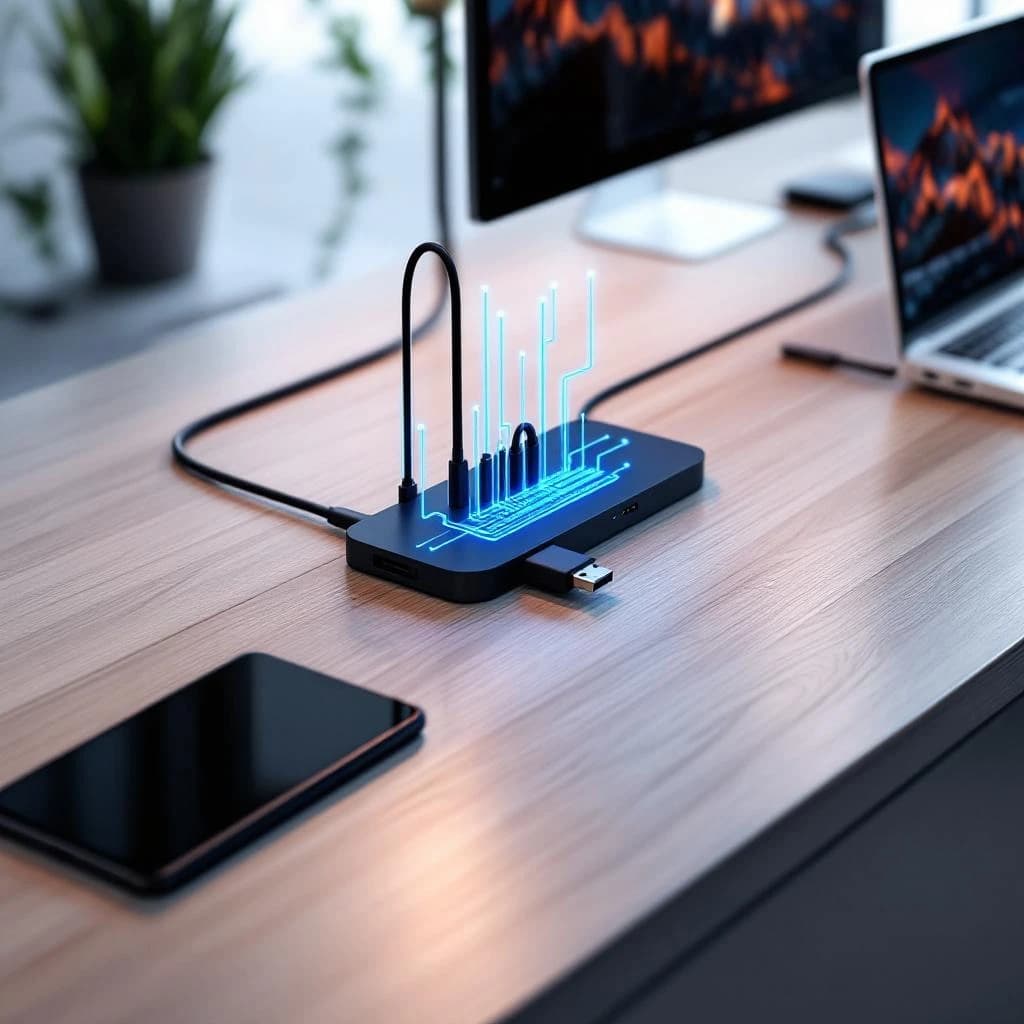
Model Context Protocol (MCP) works like USB-C for AI tools. Instead of rebuilding your data connections every time you switch from Claude to GPT-4 to Gemini, you connect your email, documents, and databases once through MCP, then point any compatible AI model at those connections. When a new model launches or your current vendor raises prices, you swap the model without touching your integrations. That's the promise: build your AI infrastructure around a standard, not around a single vendor.
What Is Model Context Protocol and How Does It Work
MCP is an open protocol developed by Anthropic that standardizes how AI models access external data sources. Think of it as an adapter layer between your information (Google Drive, Slack, PostgreSQL databases, internal wikis) and whichever AI model you're using today or might use tomorrow.
Here's the technical structure: MCP defines a client-server architecture where "servers" expose your data sources through a consistent interface, and "clients" (AI applications like Claude Desktop, custom chatbots, or agent frameworks) consume that data. The protocol specifies exactly how servers announce what data they have, how clients request it, and what format responses take.
A practical example: you install an MCP server for your company's Notion workspace. That server translates Notion's specific API into MCP's standard format. Now any MCP-compatible AI tool can read your Notion pages without needing Notion-specific code. Add a second MCP server for Gmail and both data sources become available to every compatible AI application you run.
The current MCP specification supports roughly 15 built-in server implementations including filesystem access, GitHub repositories, Google Drive, Slack workspaces, and PostgreSQL databases. Third-party developers have added at least 40 more for tools like Airtable, Salesforce, and Jira.
Why MCP Matters More Than Picking the Best AI Model
You've probably rebuilt the same integration three times already. First you connected your CRM to a GPT-4 wrapper. Then Claude's new model was better for your use case, so you rewrote everything. Six months later, a startup launched a specialized model that cut your costs by 60%, but migrating meant another two weeks of engineering work.
This integration tax compounds fast. A mid-market company using AI for customer support, content generation, and data analysis might maintain 8-12 separate integrations per model. Switching models means rebuilding all of them, which typically costs 40-80 hours of developer time plus the opportunity cost of delayed deployment.
MCP flips this equation. You build data connections once as MCP servers, then switching models becomes a configuration change instead of a rewrite project. When GPT-5 launches or a new open-source model outperforms your current choice, you update one line in your client configuration file. Done.
The protocol also solves the vendor lock-in problem that makes AI procurement risky. Companies hesitate to invest in AI infrastructure when they know they're betting on a single vendor's roadmap, pricing, and continued existence. MCP lets you commit to AI adoption without committing to a specific model provider.
How to Connect Multiple AI Models to the Same Data Using MCP
Setting up MCP requires installing servers for your data sources and configuring clients to use them. The process takes 30-90 minutes for a basic setup, longer if you're building custom servers for proprietary systems.
Install MCP Servers for Your Data Sources
Start with Claude Desktop, currently the most mature MCP client. Download it from Anthropic's website (it's free), then configure MCP servers by editing a JSON file at ~/Library/Application Support/Claude/claude_desktop_config.json on Mac or %APPDATA%\Claude\claude_desktop_config.json on Windows.
Here's a configuration that connects three data sources:
{
  "mcpServers": {
    "filesystem": {
      "command": "npx",
      "args": ["-y", "@modelcontextprotocol/server-filesystem", "/Users/yourname/Documents/projects"]
    },
    "github": {
      "command": "npx",
      "args": ["-y", "@modelcontextprotocol/server-github"],
      "env": {
        "GITHUB_PERSONAL_ACCESS_TOKEN": "your_token_here"
      }
    },
    "postgres": {
      "command": "npx",
      "args": ["-y", "@modelcontextprotocol/server-postgres", "postgresql://localhost/yourdb"]
    }
  }
}
Each server entry specifies a command to run (usually npx to execute a Node.js package) and arguments including credentials or paths. The filesystem server gives Claude access to a specific directory, the GitHub server connects to your repositories, and the PostgreSQL server links to your database.
After saving this config, restart Claude Desktop. You'll see new tool options in the interface showing which MCP servers are active. When you ask Claude a question that needs information from these sources, it automatically queries the appropriate server.
Build Custom MCP Servers for Proprietary Systems
Most businesses need to connect internal tools that don't have pre-built MCP servers. Building a custom server takes 2-6 hours for someone comfortable with Python or TypeScript.
Anthropic provides SDKs in both languages. Here's a minimal Python MCP server that exposes a company wiki:
from mcp.server import Server
from mcp.types import Resource, Tool
import requests

app = Server("company-wiki")

@app.list_resources()
async def list_wiki_pages():
    pages = fetch_wiki_index()  # Your internal API call
    return [
        Resource(
            uri=f"wiki://{page['id']}",
            name=page['title'],
            mimeType="text/plain"
        )
        for page in pages
    ]

@app.read_resource()
async def read_wiki_page(uri: str):
    page_id = uri.replace("wiki://", "")
    content = fetch_wiki_content(page_id)
    return content

if __name__ == "__main__":
    app.run()
This server implements two required methods: listing available resources and reading their content. The MCP protocol handles authentication, error reporting, and data formatting automatically.
Once you've written a custom server, add it to your config file the same way you added pre-built servers. Now your proprietary data works with any MCP client, not just Claude.
Connect Additional AI Models Through MCP Clients
Claude Desktop isn't your only option. The MCP ecosystem includes clients for OpenAI's GPT models, Google's Gemini, and custom agent frameworks. Honestly, client support is still early and you'll hit rough edges, but the architecture is solid.
For GPT-4, you can use the community-built mcp-client-openai package that wraps OpenAI's API with MCP server support. For custom applications, integrate the MCP client SDK directly. Here's how you'd query an MCP server from a Python script:
from mcp.client import ClientSession
import asyncio

async def query_with_mcp():
    async with ClientSession("filesystem") as session:
        resources = await session.list_resources()
        content = await session.read_resource(resources[0].uri)

        # Now pass this content to any AI model
        response = openai.ChatCompletion.create(
            model="gpt-4",
            messages=[
                {"role": "system", "content": content},
                {"role": "user", "content": "Summarize this document"}
            ]
        )
        return response

asyncio.run(query_with_mcp())
The key insight: your application code doesn't know or care what data source it's reading from. Swap "filesystem" for "github" or "postgres" and the code stays identical.
MCP Protocol vs Switching AI Tools the Traditional Way
Let's compare concrete costs. A small business using AI for customer support with 3 data sources (help desk tickets, product documentation, customer database) faces this math:
Traditional approach: building custom integrations for each model takes roughly 16 hours per data source (48 hours total). Switching to a new model means rebuilding all three integrations, another 48 hours. Over 24 months with 2 model switches, that's 144 hours of developer time at $100-150/hour, or $14,400-21,600.
MCP approach: building MCP servers for the same 3 data sources takes about 20 hours initially (slightly more upfront because you're learning the protocol). Switching models requires updating client configuration, roughly 2 hours including testing. Over 24 months with 2 switches, that's 24 hours total, or $2,400-3,600.
The break-even point hits after your first model switch. Every subsequent change increases the advantage. For businesses running multiple AI applications, the savings multiply because each application can reuse the same MCP servers.
There's also a speed advantage. Teams report that adding a new data source to an MCP-based setup takes 2-4 hours versus 8-16 hours for traditional integrations, because you're working with a consistent protocol instead of learning each API's quirks. This matters when you're trying to identify quick-win automation opportunities and need to test multiple data connections rapidly.
Future-Proof AI Setup for Business: Building on Standards
The real value of MCP isn't just switching between today's models. It's insurance against an unpredictable future. AI model capabilities, pricing, and availability change monthly. GPT-4 was the obvious choice in March 2023, then Claude 3 matched it by March 2024, then GPT-4o changed the speed equation, then Claude 3.5 Sonnet pushed coding capabilities further.
Businesses that hard-coded integrations to GPT-4's API spent weeks migrating when better options emerged. Businesses using MCP changed a config file. This architectural difference determines whether you can respond to market changes in hours or months.
MCP also positions you for the multi-model future that's already arriving. Different models excel at different tasks: Claude 3.5 Sonnet for code generation, GPT-4 for creative writing, specialized models for medical or legal analysis. A mature AI setup uses the right model for each job, which requires connecting all of them to your data. MCP makes this practical where traditional integrations make it prohibitively expensive.
For businesses considering whether to build custom AI tools or buy commercial solutions, MCP changes the calculation. Building on MCP means your custom tools aren't locked to a single model provider, reducing the risk that your investment becomes obsolete when the AI market shifts.
The protocol also helps with the data security concerns that block AI adoption. Instead of giving each AI vendor direct access to your databases, you control data access through MCP servers that can implement logging, filtering, and access controls once rather than separately for each integration. This matters for preventing AI tools from leaking confidential information.
Connect Claude, GPT, and Gemini to the Same Workspace
Here's a practical implementation for a business that wants to use multiple models with shared data access. You'll set up MCP servers for your core data sources, then configure three different AI clients to use them.
First, identify your 3-5 most important data sources for AI work. Common choices: document storage (Google Drive, Notion), communication history (Slack, email), customer data (CRM, support tickets), code repositories (GitHub, GitLab).
Install or build MCP servers for each source. Use pre-built servers where available (saves 80% of the work), build custom servers for proprietary systems. Budget 1-2 days for a developer to get all servers running and tested.
Configure Claude Desktop using the JSON config shown earlier. Test it by asking Claude questions that require data from your connected sources. You should see Claude automatically query the appropriate MCP servers and incorporate that data into responses.
For GPT-4 access, set up a custom client using OpenAI's API and the MCP client SDK. This requires more technical work than Claude Desktop (which handles MCP natively), but the code is straightforward. The example Python script above shows the basic pattern.
For Gemini, you'll currently need to build a custom integration since Google hasn't released native MCP support yet. The MCP client SDK works with any model API, so the integration code looks nearly identical to the GPT-4 version, just pointing at Google's endpoints instead of OpenAI's.
The result: you can ask the same question to Claude, GPT-4, and Gemini, and all three will access identical data from your MCP servers. This lets you compare model outputs directly, use the best model for each task, or switch models when pricing or capabilities change without rebuilding anything.
For teams deploying AI agents that need to automate complex multi-step tasks, MCP provides the data access layer that makes agents practical. Instead of coding separate integrations for each data source an agent might need, you connect the agent framework to your MCP servers once.
What You Should Do Next
Look, start with Claude Desktop and 2-3 pre-built MCP servers for data sources you actually use daily. This takes under an hour and proves the concept without requiring custom development. Ask Claude questions that need information from those sources and watch it query them automatically.
If that works well, identify one proprietary data source that would make your AI tools more useful and build a custom MCP server for it. The initial learning curve is real, but the second custom server takes half the time and the third takes a quarter.
Don't try to connect everything at once. MCP's value grows over time as you add data sources and switch models, but you'll learn faster by starting small and expanding based on what actually helps your work. The protocol isn't going anywhere, and the ecosystem is adding new servers and clients monthly.
Get a free AI-powered SEO audit of your site
We'll crawl your site, benchmark your local pack, and hand you a prioritized fix list in minutes. No call required.
Run my free audit